Introduction
Accessible learning design has become a serious business priority. It no longer belongs only to accessibility teams or social impact projects. Today, every organization that trains people online must think about access, clarity, language, device use, and learner confidence from the start.
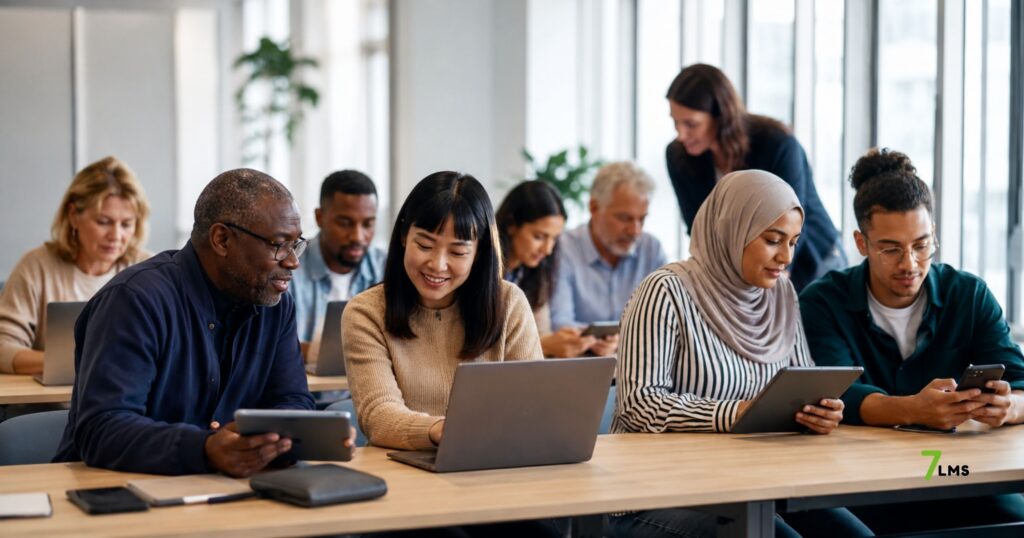
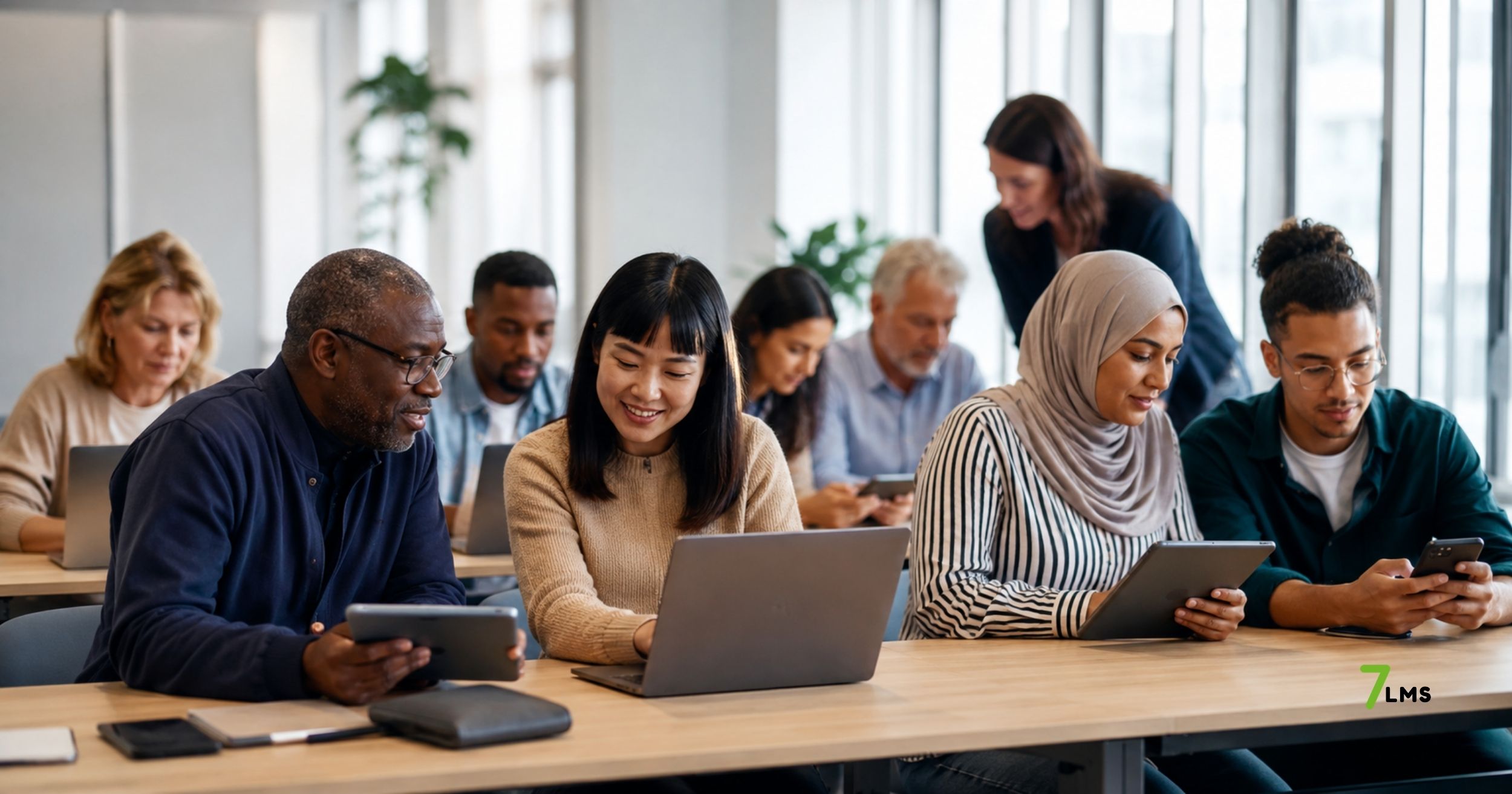
Digital learning now reaches employees, patients, volunteers, older adults, migrant workers, and public program participants. However, these groups do not share the same skills, language level, device access, or learning confidence. Because of this, a standard online course can easily exclude the people it wants to support.
For this reason, accessibility should not mean “adding support later.” Instead, it should guide the full learning strategy. A well-designed learning journey helps people understand information, complete training, and apply new skills in real life.
This is where accessible learning design becomes a business advantage. It improves reach, reduces friction, supports inclusion, and helps organizations show measurable learning impact.
What accessible learning design really means
Accessible learning design means creating learning experiences that different people can use with confidence. It includes disability access, but it also goes further. It covers language, age, digital skills, cultural context, device type, and support needs.
A course may look modern, yet still fail many learners. For example, long text can confuse people with low literacy. Complex menus can stop older learners. One-language training can create risk in multilingual teams. In addition, poor mobile design can exclude frontline workers.
Therefore, good accessibility starts with learner analysis. Organizations need to ask who will use the training, where they will use it, and what barriers may appear. After that, they can design the content, platform structure, and support model around real learner needs.
This approach turns accessibility into a design method. It also helps teams avoid common mistakes, such as creating content first and solving access problems later.
Why accessibility is now a business issue
Many organizations still treat accessibility as a compliance topic. However, this view limits its value. Accessibility also affects training performance, employee readiness, patient understanding, and program outcomes.
When learners cannot understand a course, they do not build skills. When they cannot use the platform easily, they drop out. If training does not support their language, they may miss important information. As a result, the organization loses time, money, and impact.
Accessible learning creates value in several ways. It increases participation because more learners can start training. It improves completion because learners face fewer barriers. Moreover, it strengthens trust because people feel that the organization understands their needs.
This value matters across sectors. HR teams need better onboarding. Healthcare providers need clearer patient education. NGOs need inclusive community programs. Public projects need wide participation. Therefore, accessible learning design supports both social impact and operational performance.
Digital learning can create new barriers
Digital platforms can scale learning quickly. However, scale alone does not guarantee inclusion. If teams design for an ideal user, they may ignore many real users.
Some learners use older phones. Others have limited internet access. Many people still lack strong digital skills. In addition, some learners need more time before they feel safe using online tools.
The OECD highlights this issue clearly in its work on digital skills for seniors. It explains that poorly designed training can reinforce the digital divide instead of reducing it. However, well-designed programs can support autonomy, daily life, and social connection.
This point matters beyond senior learners. Any learner can face barriers when a platform feels complex, text-heavy, or disconnected from real tasks. Because of this, organizations need to treat usability as part of learning quality.
A course should not only contain correct information. It should also help people reach, understand, practice, and remember that information.
Multilingual learning supports safer training
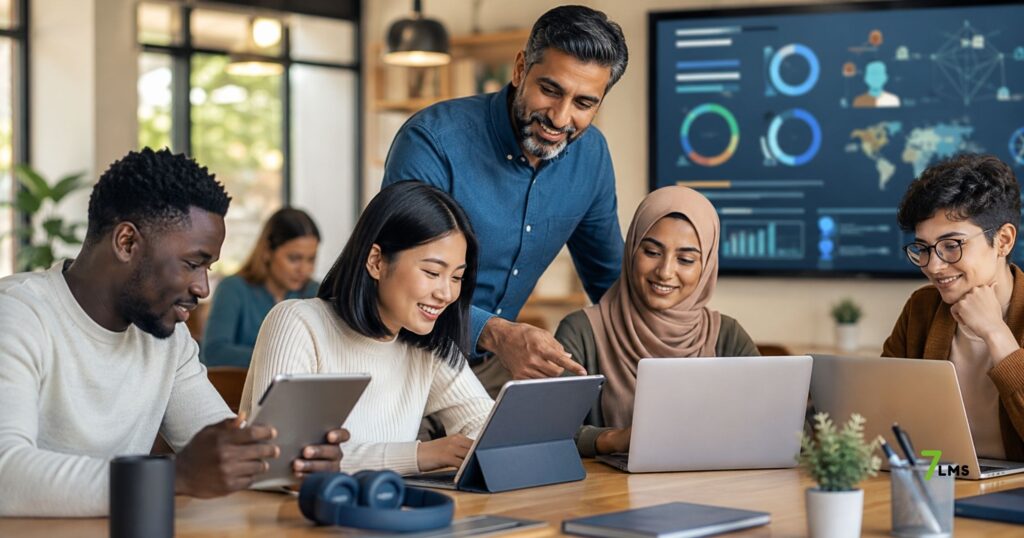
Language plays a central role in accessibility. In many organizations, training reaches people from different countries and cultural backgrounds. A single-language course may work for some learners, but it can create gaps for others.
This issue becomes serious in areas like onboarding, workplace safety, healthcare education, and compliance. If learners misunderstand key instructions, the risk increases. Therefore, multilingual learning is not only a learner-friendly feature. It also supports operational safety.
A multilingual learning platform helps organizations deliver consistent messages across diverse groups. At the same time, learners can understand content in a language that feels more familiar. This improves confidence and reduces unnecessary cognitive load.
7LMS fits this need because it supports multilingual learning, mobile access, customized courses, and personalized learning paths. These features help organizations serve different learner groups without building separate systems for each audience.
As a result, multilingual support becomes part of a stronger learning infrastructure.
Mobile access is part of accessibility.
Many people do not learn from a desktop computer. Frontline workers, healthcare staff, older adults, volunteers, and community learners often use mobile devices. Therefore, mobile learning should not feel like a smaller version of desktop learning.
Good mobile learning needs clear structure. Lessons should load fast, screens should feel simple, and learners should see progress easily. In addition, buttons, videos, quizzes, and feedback must work well on small screens.
This is important because mobile access connects learning to real life. A worker can review safety steps before a shift. A patient can check recovery instructions at home. A learner can practice language skills during a quiet moment.
However, mobile access only works when teams design it carefully. If the content feels crowded, learners may stop. If navigation feels unclear, they may lose confidence.
Because of this, accessible learning design must include mobile-first thinking. It should support learning where people actually are.
From content libraries to learning journeys
Many organizations confuse content access with learning access. They upload videos, PDFs, and slides, then assume learners can manage the rest. However, access to content does not always create learning.
Learners need a clear journey. They need to know where to start, what to do next, and how to check progress. In addition, they need feedback that helps them improve.
This is especially important for people with lower digital confidence. A large content library can feel overwhelming. A structured learning path, however, creates direction and reduces stress.
A practical example appears in language learning. NT2 Oefening supports Dutch exam preparation with online practice, instant feedback, and a personal performance dashboard. This structure helps learners practice skills and understand their progress.
The same principle applies to corporate training, healthcare education, and public learning projects. Learners need more than information. They need guidance, practice, feedback, and visible progress.
Why learning data matters
Accessible learning also needs measurement. Without data, organizations cannot see where learners struggle. They may know that people did not finish a course, but they may not know why.
Learning analytics can show completion, quiz results, progress patterns, and engagement. This helps teams improve courses based on evidence. For example, if many learners fail one module, the content may need clearer examples. If learners stop at the same step, the platform journey may need better guidance.
However, organizations must use data responsibly. They should track learning improvement, not create pressure or surveillance. Therefore, privacy-friendly reporting matters.
7LMS supports real-time progress tracking and reporting. This helps teams understand training impact and adjust learning paths. In addition, quizzes and interactive assessments help learners check understanding during the journey.
With the right data, accessibility becomes measurable. Teams can move from assumptions to informed improvements.
Accessible learning in healthcare and public projects
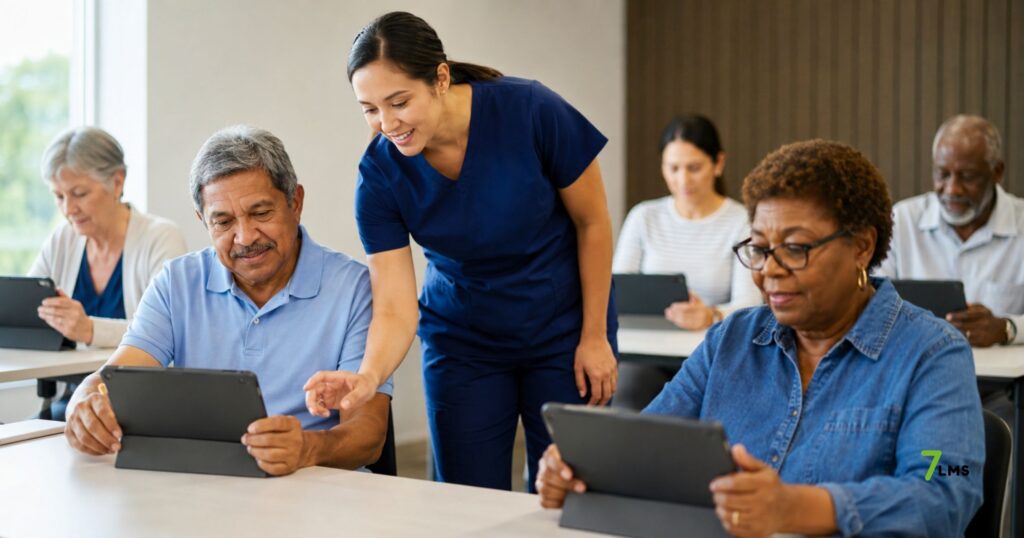
Healthcare and public programs need accessible learning more than many sectors. They often serve people under stress, with different language levels, health literacy levels, and digital skills.
In healthcare, patient education must feel clear and practical. A patient preparing for surgery needs simple steps, not complex documents. Someone recovering at home needs reminders, short guidance, and trusted instructions. Therefore, digital patient education should combine structure, clarity, and access.
Public projects face similar challenges. Programs for migrants, unemployed people, mothers, or older adults often need a flexible learning design. These learners may need multilingual content, mobile access, and personal support.
Accessible learning helps these projects create stronger outcomes. It also helps teams prove impact through progress data and participation results.
For this reason, healthcare providers, NGOs, and public organizations should see accessible learning design as a strategic foundation.
How organizations can build better accessible learning
Organizations can begin with a practical accessibility audit. First, they should review the learner groups. This includes language needs, device access, digital skills, and support requirements.
Next, they should review the learning journey. A course needs a clear start, logical steps, practical examples, and simple progress signals. Moreover, each module should connect to a real task or outcome.
Content teams should also simplify language without reducing expertise. Clear writing improves understanding for everyone, not only beginners. In addition, visuals, examples, quizzes, and feedback can support different learning styles.
Technology teams should test mobile access, navigation, loading speed, and platform usability. They should also check whether learners can complete tasks without extra help.
Finally, organizations should use learning data to improve continuously. Accessible learning is not a one-time project. It is a long-term quality standard.
Why 7LMS supports accessible learning design
7LMS supports organizations that need flexible, inclusive, and measurable learning systems. Its AI-powered content tools help teams create courses faster. Its multilingual structure helps learners access training in a more familiar language. In addition, mobile access supports people who learn outside traditional desk settings.
The platform also supports onboarding, compliance, healthcare learning, language learning, inclusion projects, and reskilling programs. This range matters because accessibility needs differ by sector and audience.
For example, HR teams may need multilingual onboarding. Healthcare teams may need patient education modules. NGOs may need digital skills programs for underserved communities. Public projects may need scalable learning with clear reporting.
7LMS brings these needs into one learning environment. It supports interactive content, quizzes, online communication, progress tracking, and personalized learning paths. Therefore, teams can manage learning with more structure and less manual work.
This makes 7LMS relevant for organizations that want learning to reach more people and create measurable results.
Conclusion
Accessible learning design is becoming a business advantage because organizations can no longer design learning for one average user. Today’s learners differ by language, age, digital skill, device access, culture, and confidence. Therefore, learning systems must support real learner needs from the start.
When organizations design accessible learning well, they improve participation, completion, trust, and training impact. They also reduce barriers for employees, patients, volunteers, and community learners. In addition, platforms like 7LMS help teams combine multilingual access, mobile learning, structured paths, interactive content, and progress tracking.
As digital learning grows, accessibility will shape quality. Organizations that invest in accessible learning design will not only include more people. They will also build stronger, safer, and more effective learning systems.
For more insight into future-ready learning, read our related article: Why AI literacy training should be on every company’s 2026 learning agenda.
Disclaimer:
This blog is for informational and awareness purposes only. The content can be verified from other sources. The author accepts no legal responsibility for any decisions made based on this information.